

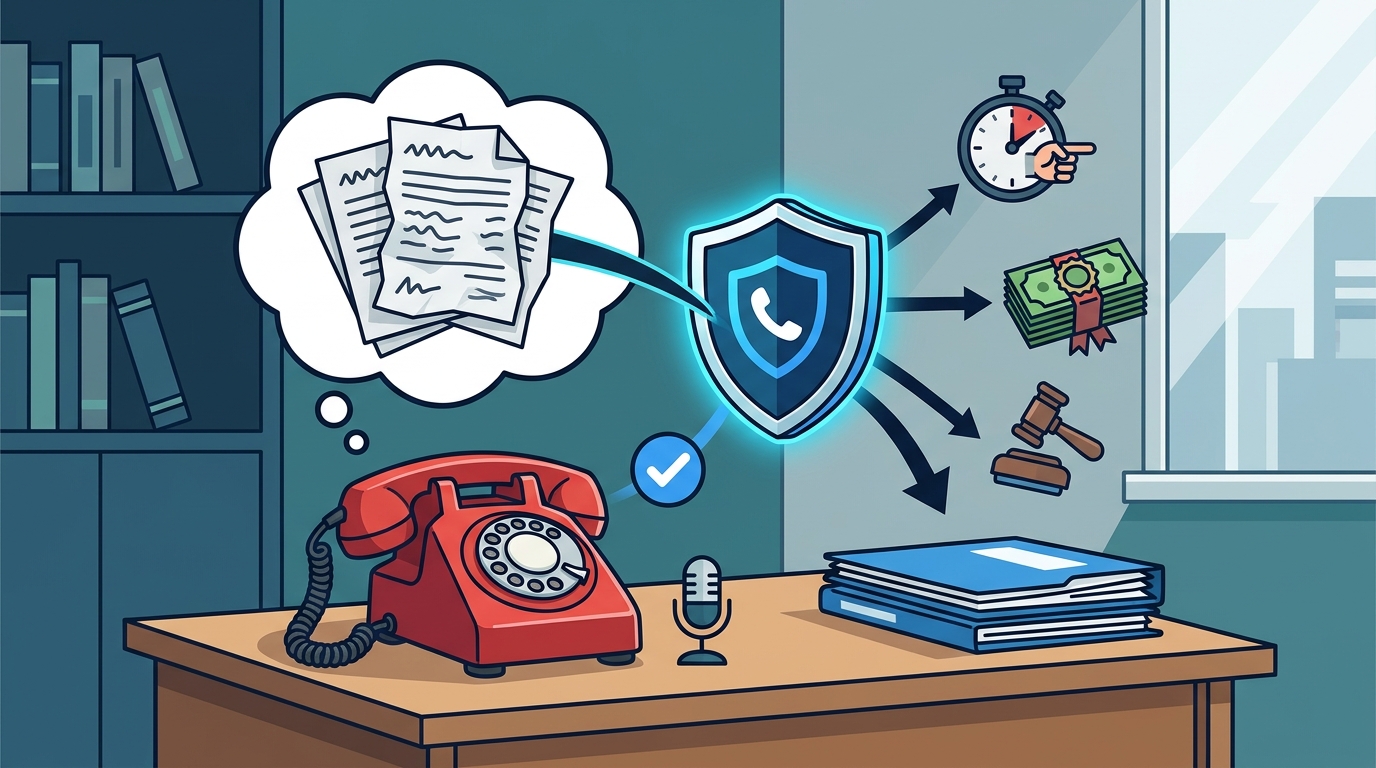
Loan scams rely on urgency and authority to bypass a victim's critical thinking. PhoneShield.ai intercepts these calls before they ring, using an AI front desk to identify specific high-risk phrases. By analyzing the language of the caller, the system distinguishes between legitimate financial inquiries and fraudulent pressure tactics, ensuring your family's safety without requiring them to judge the caller themselves.
1. Urgent Expiration Warnings
Scammers use time pressure to force immediate financial decisions. Phrases like "your approval expires today" or "you must act within the hour" are classic indicators of fraud. Legitimate lenders do not operate on such tight deadlines for standard loan approvals. PhoneShield flags these temporal constraints as high-risk signals, often declining the call before the victim can respond to the pressure.
2. Underwriting Department Claims
Impersonating a specific department adds false credibility to the scam. Callers often identify themselves as being from the "underwriting department" or "credit review team" to sound official. This tactic exploits the victim's trust in institutional structures. The AI assistant recognizes that underwriters rarely initiate outbound calls to discuss approvals without prior context, leading to an automatic screening refusal.
3. Pre-Approval Language
4. Verification Issue Scripts
Fake verification problems are designed to extract sensitive account details. Scammers frequently claim there is a "verification issue" or a "suspicious activity alert" on the account. They then ask for passwords, PINs, or one-time codes to "resolve" the issue. The assistant detects the request for sensitive credentials as a critical security threat and terminates the call immediately.
5. Guaranteed Approval Promises
No legitimate lender can guarantee loan approval without a full application. Phrases promising "guaranteed approval" or "no credit check required" are hallmarks of predatory lending schemes. These claims contradict standard financial regulations and risk assessment practices. PhoneShield identifies these unrealistic promises as fraudulent and prevents the call from reaching the user's phone.
6. Payment Method Red Flags
Requests for unconventional payment methods signal a scam. If a caller asks for payment via gift cards, wire transfers, or cryptocurrency, it is a definitive red flag. Legitimate lenders use standard banking channels and never request payment for loan fees before disbursing funds. The AI assistant recognizes these payment requests as high-risk and blocks the interaction.
7. Threatening Consequences
Threats of legal action or credit damage are used to intimidate victims. Scammers may claim that failing to act will result in "legal consequences" or "credit damage." This fear-based tactic is designed to override rational decision-making. PhoneShield detects aggressive or threatening language as a violation of safe communication standards and refuses the call.
Choosing the Right Protection
While blocking numbers is a common approach, it is often ineffective against scammers who rotate their caller IDs. A call screening service like PhoneShield is more robust because it analyzes the content of the conversation, not just the number. By focusing on the phrases used, the system provides a layer of defense that adapts to new scam scripts. For families looking to protect a parent, this linguistic analysis is the most reliable way to stop fraud before it starts.
Frequently Asked Questions
Does PhoneShield block all loan calls?
No, PhoneShield does not block all loan calls. It blocks calls that match known scam scripts or contain high-risk phrases. Legitimate lenders who follow standard communication protocols can still get through to the front desk or ring the user directly if they are on the favorites list.
How does the AI assistant identify a scam?
The AI assistant analyzes the transcript of the call in real-time. It looks for specific keywords, urgency markers, and requests for sensitive information. If the language matches a known fraud pattern, the call is declined or flagged for review.
Can I see the transcript of a blocked call?
Yes, the PhoneShield dashboard provides a record of every call, including those that were blocked. You can read the transcript to see exactly what the scammer said and why the system flagged it. This transparency helps you understand the threats your family faces.
Is there a cost for blocking scam calls?
Scam refusals and front-desk screening are included in the flat monthly price. You are not charged per minute for calls that are blocked or screened. You only pay for the talk time of the assistant, Nora, after the included minutes are used.
Does this work on landlines?
Yes, PhoneShield works with any phone that can forward calls, including landlines. You forward the landline number to your PhoneShield number, and the screening process applies to all incoming calls to that line.