%22%3E%3C%2Fpath%3E%3C%2Fsvg%3E)

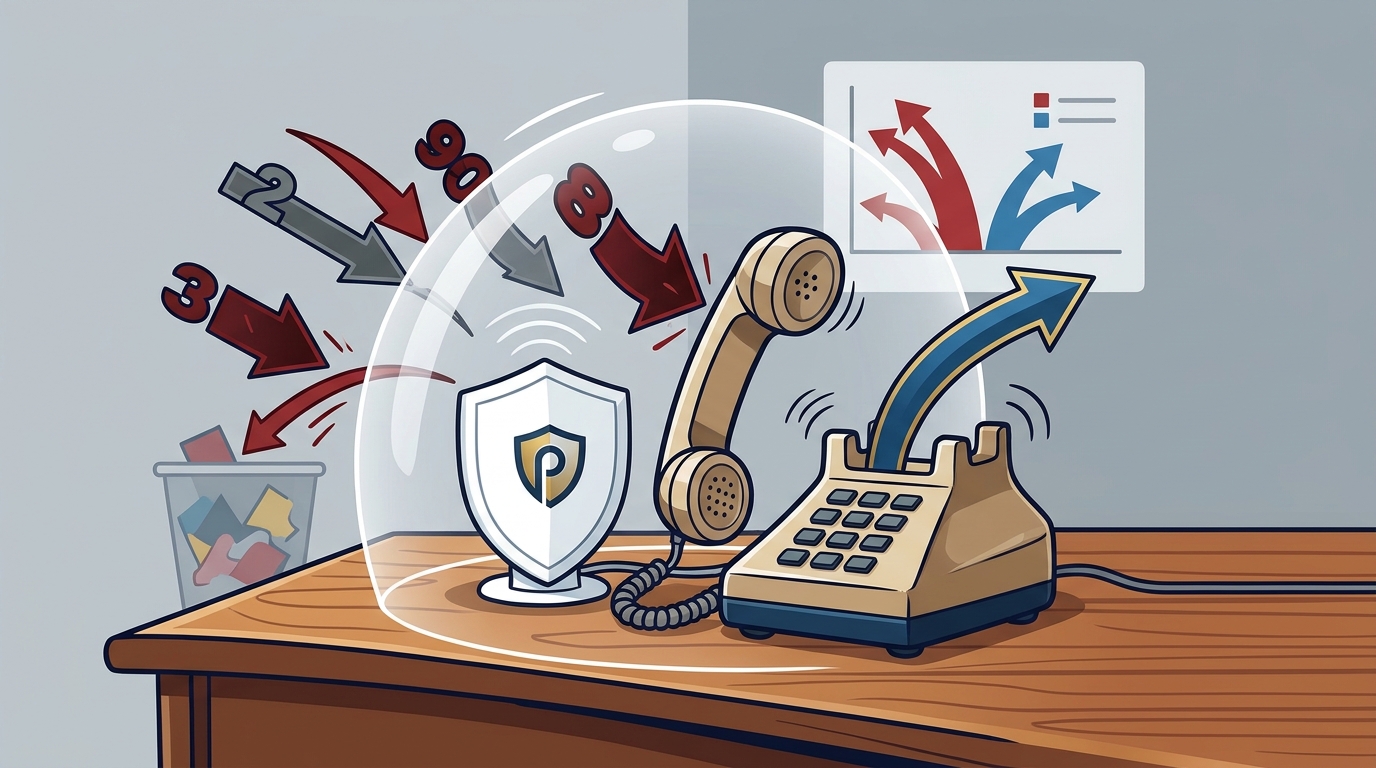
Protecting an elderly parent from IRS scam calls requires intercepting fraudulent numbers before they ring and screening unknown callers for legitimacy. PhoneShield.ai achieves this by forwarding calls to a secure front desk that refuses known scammers and asks strangers to identify themselves. This approach preserves the parent's existing phone number and routine while blocking the high-pressure tactics used by fraudsters.
The Scale of IRS Impersonation Fraud
Impersonation scams remain the leading category of consumer fraud in the United States. The Federal Trade Commission (FTC) reported that Americans lost a record $15.9 billion to fraud in 2025, with impersonation scams leading for the fifth consecutive year. A significant portion of these losses involves callers posing as government agencies, including the Internal Revenue Service (IRS). The FTC notes that scams beginning with a phone call result in the highest median loss of any contact method, particularly among older adults.
Older Americans are disproportionately targeted because they are often more polite and less likely to hang up on a stranger. In 2025, Americans over 60 reported losing $7.75 billion to fraud, a 59% increase from the previous year. This data comes from the FBI Internet Crime Complaint Center (IC3) 2025 Internet Crime Report. The sheer volume of these calls makes manual blocking ineffective, as scammers rotate through thousands of new numbers daily.
Why Traditional Blocking Fails Against IRS Scams
Traditional spam blockers rely on blacklists of previously reported numbers. However, scammers use Voice over Internet Protocol (VoIP) services to spoof caller IDs, making fraudulent calls appear to come from local or government numbers. A block list can only stop a number after enough users have reported it, which is too slow for a parent who might answer the first call. PhoneShield.ai operates differently by acting as a call screener. It answers the phone before the user does, asking the caller to state their name and purpose.
This screening process is critical because it forces the scammer to engage with a system that can detect scripted language. If a caller uses phrases associated with IRS threats or demands for immediate payment, the system can decline the call. This is distinct from simple number blocking, which does not analyze the content of the conversation. By intercepting the call at the front desk, the service ensures that the parent never has to judge a stranger's credibility in the heat of the moment.
How PhoneShield.ai Screens for Government Impersonation
PhoneShield.ai uses a shared scam list built from confirmed scam verdicts, customer reports, and FTC complaint data. When a call comes in from a number on this list, it is refused before the phone rings. For numbers not on the list, the AI front desk, named Nora, answers the call. Nora asks the caller who they are and what they want. If the caller claims to be from the IRS and demands immediate action or payment, the system flags the interaction as suspicious.
The service distinguishes between legitimate government calls and scams by analyzing the caller's behavior. Legitimate IRS agents do not demand payment via gift cards or wire transfers, nor do they threaten immediate arrest over the phone. PhoneShield.ai's screening logic is designed to catch these red flags. The parent's phone only rings if the caller provides a coherent, non-threatening reason for the call. This ensures that if a legitimate tax issue arises, the parent can still receive the call, but the high-pressure scam attempts are filtered out.
Preserving Independence While Ensuring Safety
One of the primary concerns for adult children is maintaining their parent's independence. Taking away a phone or changing their number can feel intrusive and may cause distress. PhoneShield.ai allows the parent to keep their existing phone number, carrier, and device. The setup involves forwarding calls to PhoneShield, a process that takes about ten minutes. The parent does not need to install a new app or learn a new routine. They simply answer their phone as usual, but only for calls that have passed the screening process.
Family members can monitor the activity through a dashboard or email alerts. These alerts show which calls were blocked, which were screened, and who rang through. This transparency allows the family to see the threats their parent is facing without having to be present. The service supports multiple lines, so if both parents are at risk, they can be protected under a single plan. This approach balances safety with dignity, ensuring that the parent remains in control of their communication while being shielded from fraud.
Setting Up Protection for Your Parent
Setting up PhoneShield.ai for an elderly parent is straightforward. First, you subscribe to the service, which includes a dedicated PhoneShield number. Next, you install the PhoneShield app on the parent's iPhone or use a second line for Android devices. You then enable call forwarding on the parent's phone, directing all incoming calls to the PhoneShield number. The app allows you to import the parent's contacts, ensuring that family, doctors, and other trusted numbers ring straight through without screening.
After forwarding is enabled, you can make a test call to verify that the setup is working. The front desk will answer the test call, and you can confirm that it rings through to the app. Once configured, the system begins protecting the line immediately. The service is available for a flat monthly price, with no long-term contract. This flexibility allows families to adjust their protection as needed, ensuring that their loved ones are safe from the persistent threat of IRS scam calls.
Key Takeaways
- Impersonation scams, including IRS fraud, caused $15.9 billion in losses in 2025, with older adults suffering the highest median losses.
- Traditional number blocking is insufficient because scammers use spoofed caller IDs and rotate numbers faster than blocklists can update.
- PhoneShield.ai uses an AI front desk to screen unknown callers, asking them to identify themselves before the phone rings.
- The service refuses known scam numbers and declines calls that match fraudulent scripts, such as demands for immediate payment.
- Parents can keep their existing phone number and routine, as the service works via call forwarding rather than replacing the device.
- Family members can monitor blocked and screened calls through email alerts or a dashboard, providing peace of mind without intrusion.
- Setup takes approximately ten minutes and involves forwarding calls to a dedicated PhoneShield number.
Frequently Asked Questions
Does the IRS ever call to demand immediate payment?
No. The IRS does not initiate contact by phone to demand immediate payment, especially via gift cards or wire transfers. They typically send a letter first. Any call demanding immediate payment is likely a scam.
Will my parent miss legitimate calls from the IRS?
Legitimate calls from the IRS or other trusted contacts can be added to a favorites list, which rings straight through without screening. For unknown numbers, the front desk screens the call, and if the caller provides a legitimate reason, it will ring through.
Do I need to install an app on my parent's phone?
For iPhones, you install the PhoneShield app to receive calls that pass screening. For Android or landlines, you can use a second line or eSIM. The parent's main phone does not need a new app if using call forwarding to a second device.
How much does PhoneShield.ai cost?
Can I see which calls were blocked?
Yes. You can view a history of all calls, including those blocked, screened, or allowed through, in the PhoneShield dashboard or via email alerts.
Does PhoneShield.ai work with landlines?
Yes. You can forward calls from a landline to PhoneShield, providing the same screening and protection as with a mobile phone.
Conclusion
Protecting an elderly parent from IRS scam calls requires a proactive approach that goes beyond simple number blocking. PhoneShield.ai provides a robust solution by screening every unknown call and refusing known scammers before they reach the phone. This service allows families to maintain their parent's independence while ensuring they are safe from the persistent threat of fraud. To get started, visit the PhoneShield.ai website to set up protection for your loved one.