%22%3E%3C%2Fpath%3E%3C%2Fsvg%3E)

PhoneShield's Nora assistant stops loan scam calls by screening every unknown caller before your phone rings. It identifies fraudulent scripts and declines them silently, ensuring only legitimate callers reach your device. This guide explains how the AI front desk recognizes fraud patterns and manages the decline process.
How Nora Recognizes Loan Scam Scripts
Loan scam calls are among the most persistent threats to consumers, particularly older adults. A loan scam call is a fraudulent communication where a caller poses as a lender or debt collector to extract money or personal data. The Better Business Bureau has documented over 500 reports regarding specific scammers like "Jessica" and "Evelyn," indicating aggressive targeting. PhoneShield addresses this by using a multi-layered recognition system that goes beyond simple number blocking.
Script Pattern Matching
Nora does not just listen for keywords; it analyzes the structure and urgency of the conversation. Scammers often use high-pressure tactics, such as claiming a loan approval expires in minutes. The AI assistant is trained to detect these urgency markers. When a caller mentions a "verification issue" or a "final deadline," Nora flags the call as high-risk. This allows the system to categorize the interaction as a potential fraud attempt before the user is even aware of the call.
Integration with Shared Scam Lists
PhoneShield utilizes a shared scam list built from confirmed verdicts and customer reports. If a number has been reported by other users as a scam source, it is refused before the phone rings. This proactive approach means that even if a scammer changes their script, the number itself may be blocked. The system combines this list with real-time analysis of the caller's speech to provide a robust defense against evolving fraud tactics.
The Silent Call Decline Process
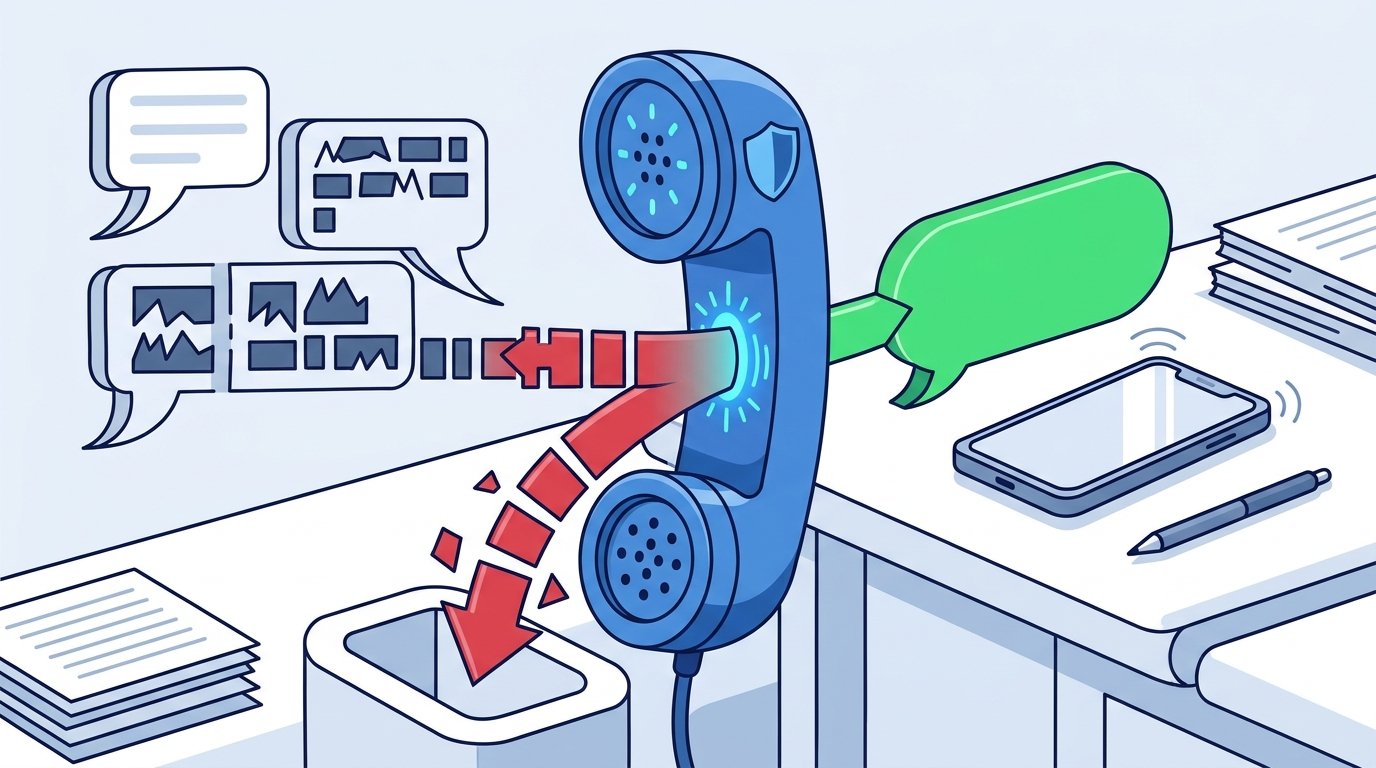
Once Nora identifies a call as a scam or an unwanted sales pitch, it initiates a silent decline. A silent call decline is a process where the call is terminated without the user's phone ringing or the user needing to take action. This ensures that the user is never subjected to the stress or confusion of a fraudulent interaction. The process is designed to be seamless, preserving the user's peace of mind and time.
Immediate Termination of Fraudulent Calls
When a call is matched against the shared scam list or flagged by the AI as a scam script, PhoneShield refuses it immediately. The caller hears a polite decline message, but the user's phone remains silent. This is a critical feature for protecting vulnerable users, such as elderly parents, who might otherwise be manipulated into engaging with the scammer. The call is logged in the user's dashboard with a reason, such as "Declined as a loan scam," providing transparency without requiring user intervention.
Handling Ambiguous Calls
Not all calls are clearly scams. Some may be sales pitches or unknown callers with legitimate but unclear intentions. For these, Nora asks the caller to identify themselves and state the purpose of the call. If the caller provides a valid reason, the call may ring through to the user's phone or be forwarded to Nora for a message. If the caller is evasive or repeats scam-like language, the call is declined. This tiered approach ensures that only genuine calls reach the user, while maintaining a buffer against unwanted interactions.
Comparison of Call Handling Methods
Understanding how PhoneShield's approach differs from traditional methods helps clarify its value. The following table compares standard blocking, carrier filters, and PhoneShield's AI screening.
| Method | How It Works | Limitations |
|---|---|---|
| Manual Blocking | User blocks numbers after they ring. | Reactive; scammers use new numbers. |
| Carrier Spam Filters | Labels or silences known spam numbers. | May miss new scams; limited context. |
| PhoneShield AI Screening | Answers call, analyzes script, declines scams. | Requires forwarding setup; AI may need tuning. |
PhoneShield's advantage lies in its ability to analyze the content of the call, not just the number. This makes it effective against scammers who spoof caller IDs or use fresh numbers. The service is particularly useful for families looking to protect parents from the sophisticated loan scams that have become prevalent in recent years.
Key Takeaways
- Nora screens every unknown call before it rings, asking callers to identify themselves.
- The system uses a shared scam list to refuse known fraudulent numbers immediately.
- AI analysis detects urgency and script patterns typical of loan scams.
- Silent declines ensure users are never subjected to fraudulent interactions.
- Legitimate callers can still reach the user or leave a message with Nora.
- The service is designed to protect vulnerable users, such as elderly parents.
- PhoneShield provides a transparent log of all calls and their outcomes.
- Setup involves forwarding the phone number to PhoneShield, a simple process.
Frequently Asked Questions
Does Nora listen to every call?
What happens if a scammer uses a new number?
If the number is not on the shared scam list, Nora will answer and ask the caller to identify themselves. If the caller uses a scam script, Nora will detect the patterns and decline the call. This allows PhoneShield to stop new scams that traditional block lists might miss.
Can I still receive calls from my bank?
Yes. You can add your bank and other important contacts to your favorites list. These numbers ring straight through to your phone, bypassing the screening process. This ensures you never miss a legitimate call from a trusted source.
Is PhoneShield only for elderly parents?
While PhoneShield is often set up for parents, it is useful for anyone who wants to reduce unwanted calls. It works for personal lines, small business lines, and anyone who values their time and privacy. The service is not limited to a specific demographic.
How do I set up PhoneShield?
Setup takes about ten minutes. You subscribe to the service, install the PhoneShield app, and forward your phone number to the PhoneShield number provided. From then on, calls are screened automatically. The setup guide provides step-by-step instructions for different carriers.
What if a real caller is declined by mistake?
If a real caller is declined, they can leave a message with Nora. You will see this message in your app and can call them back. You can also add their number to your favorites list to ensure they ring through in the future. The system is designed to err on the side of caution, but it provides tools to correct any false positives.