%22%3E%3C%2Fpath%3E%3C%2Fsvg%3E)
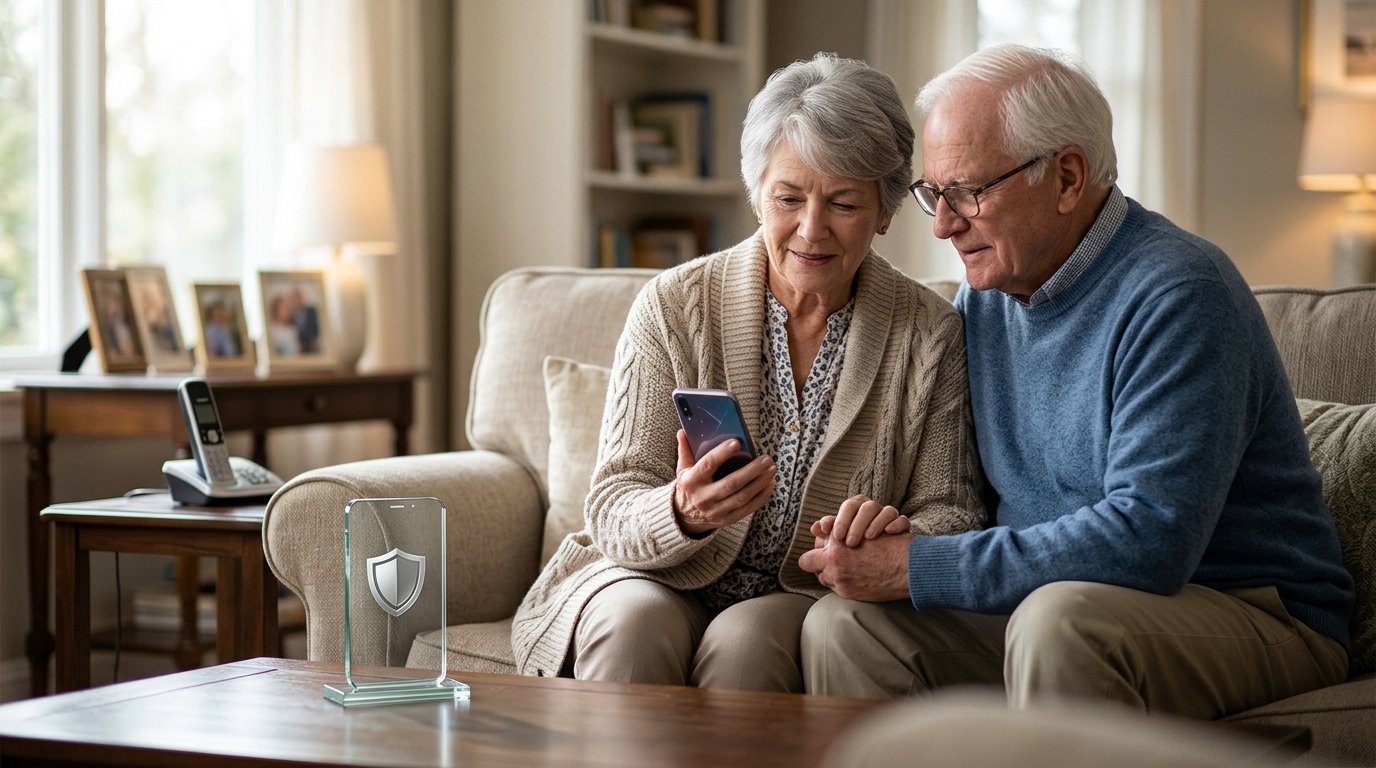
Yes, an automated front desk can screen IRS impersonation attempts for seniors by intercepting calls before they ring. PhoneShield.ai uses AI to identify and refuse known scam scripts, protecting older adults from high-pressure fraud. This guide covers how to choose, verify, and implement these protections effectively.
How to Choose a Screening Service
Choosing the right protection requires looking beyond simple number blocking. A robust solution must handle dynamic threats where scammers change numbers daily. PhoneShield.ai distinguishes itself by answering the call rather than just blocking a static list. This approach ensures that even new, unreported numbers are screened for scam intent.
Static vs. Dynamic Defense
Family Oversight Capabilities
For seniors, the ability for family members to monitor activity is essential. Look for platforms that provide a clear dashboard showing which calls were blocked and why. Transparency in the screening process allows adult children to verify that their parents are safe without needing to manage the phone themselves.
What to Ask Before Committing
Before subscribing to any call protection service, you must ask specific questions about its capabilities. Inquire if the service can handle landlines as well as mobile phones. Many seniors still use home phones, which are often overlooked by mobile-only apps. You should also ask about the accuracy of the AI in distinguishing between a real tax notice and a scam.
Handling Real Government Calls
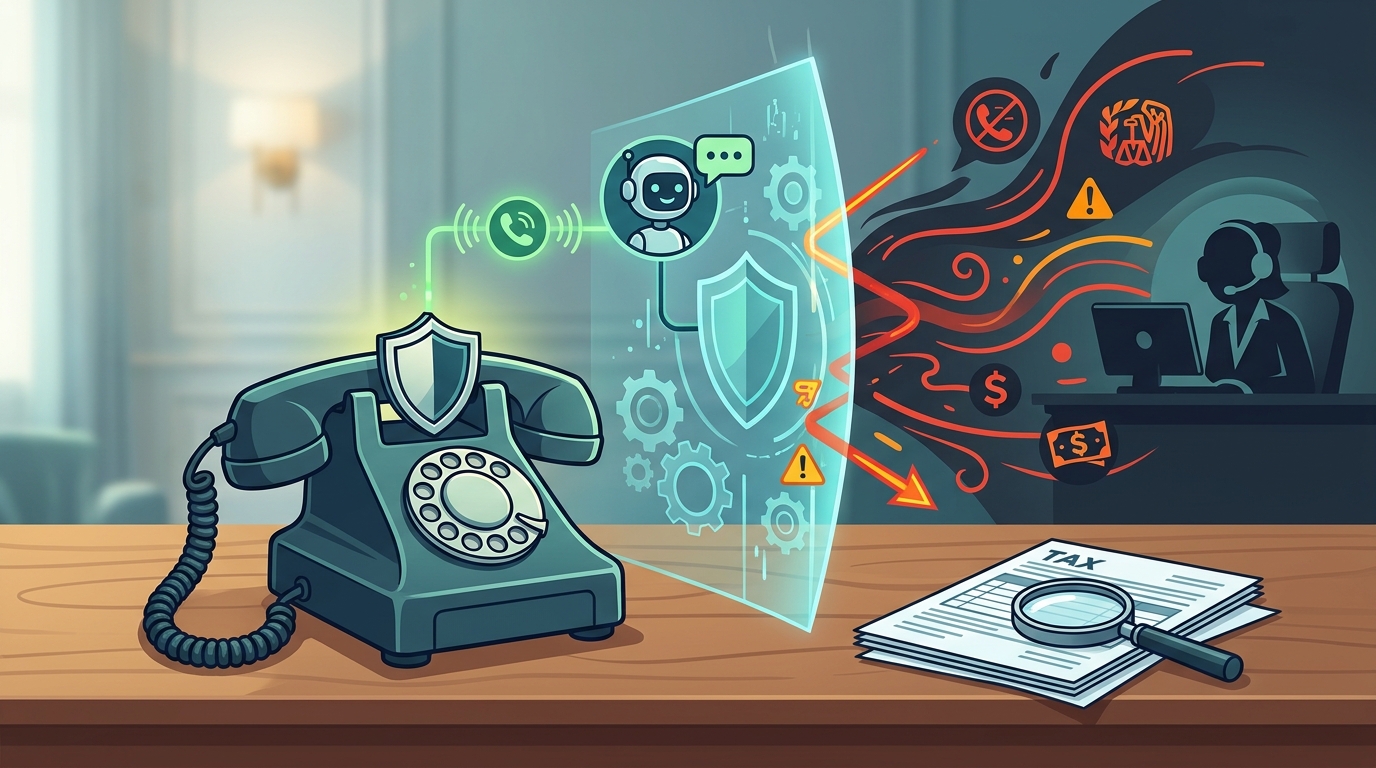
Ask how the service treats legitimate calls from the IRS or other agencies. A good system should allow verified government numbers to ring through or be flagged for review. It should not blindly block all calls claiming to be from the IRS, as some may be legitimate debt collection or tax notices. This nuance is vital for maintaining access to necessary services.
Setup Complexity
Ask how difficult the setup is for a non-technical user. If the service requires installing complex software or changing carrier settings, it may be too hard for a senior to maintain. PhoneShield.ai simplifies this by using call forwarding, a standard feature on most phones, making the setup process straightforward for both the user and the helper.
How to Verify Credentials and Claims
Verifying a service's claims requires checking its technical foundation and privacy practices. Look for a clear privacy policy that explains how call data is handled. The service should state explicitly whether it records audio or only transcribes text. Transparency in data handling is a strong indicator of a trustworthy provider.
Checking the Technology
Research the AI technology behind the screening. Does it use machine learning trained on fraud patterns? Check for any public documentation or case studies that demonstrate its effectiveness. A reputable company will be open about how its system learns and improves over time. This technical transparency helps you trust the service's ability to stop sophisticated scams. according to Government Impersonation Scams
Privacy and Data Security
Ensure the company does not sell your data to third parties. In the context of scam protection, your call history is sensitive. A trustworthy provider will use this data only to improve the shared scam list and protect its users. Verify that the company has robust security measures in place to protect this information from breaches.
How the Screening Process Works
The screening process follows a logical sequence to protect the user. First, the call is forwarded to the service's number. The system then checks the caller's number against a shared database of known scams. If the number is flagged, the call is refused immediately. If the number is unknown, the AI front desk answers the call.
The AI Front Desk Interaction
The AI assistant, often named Nora in PhoneShield.ai, asks the caller to identify themselves and state the purpose of the call. Scammers often use high-pressure scripts or refuse to provide clear information. The AI detects these red flags and declines the call. Legitimate callers, such as family or verified businesses, are allowed to ring through to the user's phone.
Outcome and Reporting
After the call is handled, the user receives a notification with a summary of the interaction. This report includes the caller's name, the reason for the call, and the outcome. For blocked scams, the report provides evidence of the fraudulent attempt. This record is valuable for reporting the scam to authorities and for the family's peace of mind.
What It Costs and Price Drivers
The cost of call protection varies based on the features included. Basic blocking services are often cheap but offer limited protection. Advanced screening services charge more for their AI capabilities and family oversight features. PhoneShield.ai offers a flat monthly rate that includes unlimited scam refusals and a set amount of assistant talk time.
Understanding the Pricing Model
Price drivers include the number of lines protected and the volume of calls handled. Some services charge per minute for all calls, while others charge only for calls that require the AI's active assistance. Understanding this distinction is important for budgeting. A flat rate with included minutes can be more predictable than usage-based billing.
Value Comparison
When evaluating cost, consider the value of the protection provided. A service that prevents a single significant scam can save thousands of dollars. Compare the monthly cost against the potential financial loss from a successful fraud attempt. This perspective often justifies the investment in a more comprehensive solution.
Common Mistakes and How to Avoid Them
Users often make mistakes that reduce the effectiveness of their protection. One common error is assuming that blocking numbers is enough. As scammers change numbers frequently, static blocks become obsolete quickly. Another mistake is not configuring the service correctly, such as failing to set up call forwarding properly.
Configuration Errors
Incorrect setup can lead to missed calls or failed screening. Always follow the provider's setup guide carefully. Test the service with a known safe number to ensure it works as expected. If you encounter issues, contact customer support promptly. A well-configured system is essential for reliable protection.
Over-Reliance on Technology
While technology is powerful, it is not infallible. Users should still be educated about common scam tactics. Teach seniors to be skeptical of urgent requests for money or personal information. Combining technological protection with user awareness provides the strongest defense against fraud.
Versus Traditional Blocking Alternatives
Traditional blocking services like Nomorobo or RoboKiller rely on community-reported numbers. These services are effective against known spam but struggle with new, unreported scams. PhoneShield.ai offers a different approach by screening the content of the call. This allows it to stop scams even when the number is new or spoofed.
| Method | Number blocking | AI call screening |
| New Scam Numbers | Often missed | Screened and refused |
| Family Oversight | Limited | Comprehensive dashboard |
For the Specific Situation of Elderly Parents
Elderly parents are particularly vulnerable to phone scams due to their trust in authority figures. IRS impersonation scams exploit this trust by threatening legal action or arrest. For this demographic, a service that provides a clear record of blocked calls is invaluable. It allows adult children to see exactly what their parents are facing and to intervene if necessary. according to Government Impersonation Scams
Emotional Support
Scams can be emotionally distressing for seniors. Knowing that a system is actively protecting them can provide peace of mind. The ability to review call transcripts helps family members understand the nature of the threats and provide appropriate emotional support. This aspect of the service goes beyond technical protection to address the human impact of fraud.
Simplicity of Use
For seniors, simplicity is key. The service should require minimal interaction from the user. PhoneShield.ai handles the screening automatically, so the senior does not need to make decisions about every call. This reduces cognitive load and stress, allowing them to focus on their daily lives without worrying about phone fraud.
Rules and Legal Protections
Understanding the legal landscape is important for both users and providers. The Federal Trade Commission (FTC) and the Federal Communications Commission (FCC) have regulations governing robocalls and spam. These rules require companies to obtain consent before making certain types of calls. However, scammers often violate these rules, making enforcement difficult.
User Rights
Users have the right to know how their data is used. They should also have the right to opt out of data sharing with third parties. A reputable service will provide clear options for managing data privacy. Understanding these rights empowers users to make informed decisions about their protection.
Provider Obligations
Providers are obligated to comply with data protection laws and industry standards. They must ensure that their AI systems do not discriminate or make erroneous decisions that harm users. Transparency in how the AI makes decisions is a key part of this obligation. Users should look for providers that are committed to ethical AI practices.
Local Specifics and Regional Trends
Scam trends can vary by region. Some areas may see higher rates of specific types of fraud, such as IRS impersonation or utility company scams. Local law enforcement agencies often issue alerts about prevalent scams in their jurisdiction. Staying informed about local trends can help you tailor your protection strategy. according to Government Impersonation Scams
Regional Variations
In some regions, landlines are still common, while in others, mobile phones dominate. The choice of protection service should account for the primary phone type used by the senior. A service that supports both landlines and mobiles offers greater flexibility. This is particularly important in areas where seniors may not have upgraded to smartphones.
Community Resources
Local senior centers and community organizations often provide resources for scam prevention. They may offer workshops or one-on-one assistance with setting up protection services. Leveraging these community resources can complement the technological protection provided by services like PhoneShield.ai. This holistic approach ensures that seniors are supported in multiple ways.
Timing and When to Act
Timing is critical in scam prevention. The best time to act is before a scam occurs. Setting up protection proactively ensures that you are ready when the calls start. Waiting until after a scam has happened can result in financial loss and emotional distress. Early implementation of a screening service provides immediate benefits.
Seasonal Trends
Scam activity often increases during certain times of the year, such as tax season or holidays. Being aware of these trends can help you stay vigilant. During peak periods, you may want to increase your monitoring of the service's reports. This heightened awareness can help you catch any new scam patterns quickly.
Immediate Action
If you suspect a scam has already occurred, act quickly. Report the incident to the FTC and your local law enforcement. Also, review the call logs to identify any other potential threats. Prompt action can limit the damage and help prevent future incidents. The speed of your response can make a significant difference in the outcome.
Results Over Time and Long-Term Outcomes
Long-term use of a screening service leads to improved protection. As the AI learns from more calls, it becomes better at identifying new scam patterns. This continuous improvement means that the service becomes more effective over time. Users can expect to see a reduction in the number of scam calls that reach their phones as the system matures.
Measurable Outcomes
Track the number of blocked calls and the types of scams identified. This data provides a clear picture of the service's effectiveness. Over time, you should see a trend of decreasing scam attempts reaching the user. This measurable outcome validates the investment in the service and provides peace of mind.
Adaptability
Scammers constantly adapt their tactics to bypass protections. A good service must be able to adapt to these changes. Look for providers that regularly update their AI models to stay ahead of new threats. This adaptability is crucial for long-term effectiveness. A service that can evolve with the threat landscape will provide sustained protection.
Key Takeaways
- AI front desks can effectively screen IRS impersonation scams by analyzing call content.
- Dynamic screening is superior to static number blocking for stopping new scams.
- Family oversight features are essential for protecting elderly parents.
- Verify the service's privacy practices and technical capabilities before committing.
- Proper setup and configuration are critical for the service to work correctly.
- Combine technological protection with user education for the strongest defense.
- Long-term use leads to improved AI accuracy and better protection over time.
- Act proactively to set up protection before scams occur.
Frequently Asked Questions
Can PhoneShield.ai block all IRS scam calls?
PhoneShield.ai uses AI to screen calls and refuse known scam patterns. While it is highly effective, no system can guarantee 100% accuracy. It is designed to catch the vast majority of fraudulent attempts.
Does it work on landlines?
Yes, PhoneShield.ai supports landlines through call forwarding. This allows seniors using home phones to benefit from the same screening capabilities as mobile users.
How much does it cost?
PhoneShield.ai offers a flat monthly rate that includes unlimited scam refusals and a set amount of assistant talk time. The exact price can be found on the pricing page.
Is my data safe?
PhoneShield.ai prioritizes privacy and does not sell user data. It uses call data to improve the shared scam list and protect its users.
What if a real IRS call is blocked?
The system is designed to allow verified government numbers to ring through. If a real call is mistakenly blocked, it will be flagged for review, and you can contact the agency through other means.
How long does setup take?
Setup typically takes about ten minutes. It involves forwarding the phone number to PhoneShield and configuring the app. The process is designed to be simple for non-technical users.